
How to Search the Yadkin County Court Docket
Yadkin County runs on North Carolina's unified court system, so the North Carolina eCourts Portal is the online starting point rather than any county vendor. Smart Search is the case-level tool there. For a matching Yadkin case it can return a public Case Summary, which some users call a Register of Actions. Bring a case number if you have one. A party or business name works when the number is unknown, though a common name may pull up more than one matter.
Know the division before trusting a result. A Yadkin County felony normally sits in Superior Court. District Court handles misdemeanors, infractions, traffic matters, family matters, and lower-value civil actions. Both divisions share the same Yadkin Clerk and the same statewide Portal. The online display helps you find the record. For certification, or for a paper the public search will not show, the Clerk's copy is still the answer.
- Open Smart Search in the North Carolina eCourts Portal and choose a party, business, or case-number search.
- Use the General Location, case type, status, or filing-date filters only when the Portal offers a useful documented filter.
- Open the matching Yadkin County Case Summary and read the case, assignment, party, event, hearing, and disposition areas in order.
- Use Search Hearings or the Yadkin calendar route when the immediate question is an upcoming court setting.
- Call or visit the Clerk of Superior Court for a restricted-file question, inspection, plain copy, or certified record.
How Yadkin County eCourts Case Summary Works
Per the Judicial Branch's Portal training materials, Smart Search is the main public case-search tool. A Case Summary can organize case information, assignment information, public party information, case events, hearings, dispositions, and financial information when it applies. That layout lets you follow a public case from start to finish without mistaking one event for the final outcome. A hearing entry answers a different question than a disposition. And a screen view never certifies the file itself.
The official North Carolina eCourts overview describes the statewide Enterprise Justice and Odyssey system now serving Yadkin County. Ordinary public searching is free. It needs no registration. Registering lets you save cases in My Cases, but it grants no extra restricted access. Keep that distinction in mind when an expected Yadkin County court docket result stays out of view. The statewide eCourts overview shows the public system. It replaced a courthouse-only first step for many routine Yadkin County docket searches.
It supports a quick online first check while the Clerk remains the local record and certification source.
What a Yadkin County Court Docket Shows
A Yadkin County Case Summary is the Portal's register-style view of an action. It may show the public information that distinguishes a case: court assignment, allowed party roles, recorded events, scheduled hearings, dispositions, and financial information where applicable. Not every case has every block. The Portal does not promise a public user will see every filed paper, every attachment, or information restricted by law or court order.
Read the entries in order. Begin with case information and assignment. Then walk the events by date, compare the newest hearing against any public calendar, and check for a disposition before calling the matter finished. One quirk deserves care. Historical events converted before the local Odyssey rollout can display a 12:00 a.m. time because the original event time was not retained. That timestamp proves nothing about a midnight hearing or filing.
| Case Number | A system identifier. A Yadkin-format example is 25CR000123-980; it is a format illustration, not a real case. |
|---|---|
| Case Information | Core case-level information made available in the Case Summary. |
| Assignment Information | Court assignment information supplied by the system. |
| Party Information | Publicly available party roles and names. The Portal says victims do not display in public results. |
| Case Events and Hearings | The recorded history and scheduled setting information, when shown. |
| Disposition | Recorded outcome information, distinct from a future hearing or a single event. |
Why a Yadkin County Case Number Ends in -980
The Judicial Branch's eCourts number pattern uses a two-digit year, case-type letters, a six-digit sequence, a hyphen, and a three-digit county code. Yadkin's code is 980. The format helps when entering a known number in Smart Search or confirming that a case reference belongs to Yadkin. It does not identify the result on its own, and it cannot replace the Portal's location and case-type checks.
No case number? A name search still works. The official wildcard rules are narrow: a last-name wildcard needs at least three characters before an asterisk, a first-name wildcard needs one, and a business or nickname wildcard needs four. Small differences in a name, alias, or date of birth can matter. Open the Case Summary only once you have enough matching details to avoid mixing up separate public cases.
- Case Summary
- The Portal’s public chronological and case-level record, also known as the Register of Actions.
- Case event
- A recorded item in the case history. It is not automatically a final result.
- Hearing
- A scheduled court setting that may also be searched through Search Hearings.
- Disposition
- Recorded outcome information, separate from the date of a future setting.
Which Yadkin County Courts Keep Dockets
There is no separate tribunal called the "Yadkin County court docket." The phrase refers to public case records inside North Carolina's trial-court system. The Yadkin Clerk of Superior Court maintains the local court-record function for both trial divisions. Smart Search is the shared online route. Knowing the proper division helps a reader read the case type and calendar category correctly.
The official Yadkin County court landing page lists the county's current Judicial District 34 setting. Older local documents may still carry a former District 23 label. Those posted materials can explain their own historical procedure. But the current court identity is District 34.
| Court | Docket Covers | Where to Search |
|---|---|---|
| Yadkin County Superior Court | Felony criminal cases and civil actions above $25,000. | eCourts Smart Search; Yadkin Clerk for files and copies. |
| Yadkin County District Court | Misdemeanors, infractions, traffic, family and juvenile matters, and civil cases through $25,000. | eCourts Smart Search; District calendar and the same Clerk office. |
| Magistrates | Preliminary criminal matters and small claims within the District Court system. | eCourts and the Clerk, with the current local small-claims limit confirmed by the Clerk. |
| North Carolina Court of Appeals | State appellate matters after an appeal. | The state appellate system, not the local trial Case Summary. |
The Yadkin court landing page gives the official local links into the state court system. There is no separate criminal or civil clerk portal behind it.
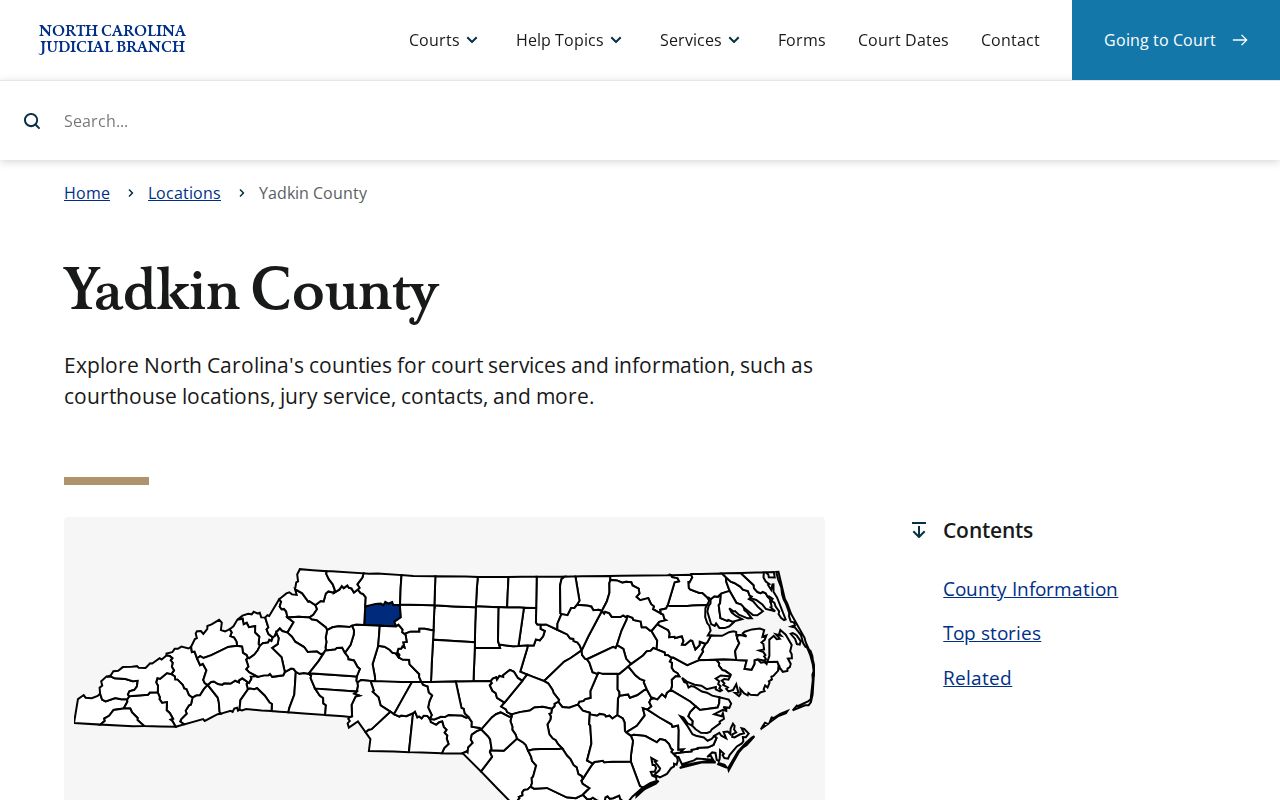
The same location serves the county’s Superior, District, magistrate, Clerk, calendar, and payment routes.
Yadkin County One-Clerk Docket System
One Clerk handles nearly everything in Yadkin County. North Carolina’s unified structure puts Superior and District Court records under a single Clerk of Superior Court, covering criminal, civil, small claims, estates, special proceedings, family matters, and related docket records. The court division still matters for jurisdiction and scheduling. It just does not send anyone to a different county clerk’s office.
That single route pays off when a case starts as an infraction or small civil claim and grows into questions about copies, restrictions, or certifications. The online Portal can pull public case context across categories. For inspection during regular hours where permitted, plain copies, and certified records, the Clerk is the local source. Transcripts are the exception. A court reporter, not the Clerk, handles those requests.
Finding Yadkin County Court Dates and Settings
Start with Search Hearings when a Yadkin County court docket question is mostly about timing. It searches by case number, party, business, attorney, bar number, judicial officer, or courtroom. The statewide calendar service is the other public channel. Its Yadkin criminal and civil routes sort session material by court type. Search Hearings stays close to the individual case. A calendar shows the public session list.
Neither tool settles everything. A calendar entry does not guarantee the order in which cases are called. The Portal does not say whether a hearing is remote or in person. If a setting affects travel, confirm it with the court. The full list of channels, category choices, and confirmation steps sits on the Yadkin County court calendar page.
Yadkin County Calendar Categories
The state calendar service splits public Yadkin material into four categories: District Criminal, Superior Criminal, District Civil, and Superior Civil. Picking the right group keeps a traffic or misdemeanor setting from mixing with a felony setting. It also keeps a lower-value civil matter apart from a Superior Court civil action. County and Calendar Type are the two required selectors. Calendar Type offers Civil or Criminal.
The official North Carolina calendar search is a session-based tool. A calendar can be missing or slow to update. The service itself points users to eCourts for court dates and case information. Before treating any listed date as final for a Yadkin County court docket setting, compare the calendar against the Case Summary. Also check Search Hearings.
Public Access to Yadkin County Court Dockets
North Carolina law requires each Clerk to keep court records, files, dockets, and indexes open for inspection during regular office hours. Another law can restrict access. For a typical public Yadkin case, start with a free eCourts Case Summary. Then move to the courthouse public terminal or the Clerk file when more context is needed. The Judicial Branch’s administrative public-record request form is not a substitute for an individual case-file request. Its own instructions send individual court documents to the Clerk in the county where the case was filed.
Access has real limits. Juvenile records are confidential. The Portal states that domestic-violence protective-order information is excluded from ordinary web search. A Clerk-office terminal may still confirm a case exists. Sealed and restricted records may never appear online. An omission never explains itself, and opening a Portal account does not bypass access limits.
Key Rules:
N.C.G.S. § 7A-109 requires the Clerk to maintain court records, dockets, files, and indexes and permits regular-hours inspection unless law limits access.
N.C.G.S. § 7A-308 sets Clerk charges for copies, certificates, exemplifications, and criminal-record searches.
N.C.G.S. § 132-1 supplies North Carolina’s general public-record framework, subject to court-record rules and exemptions.
N.C.G.S. § 7B-3000 makes juvenile records confidential except for access the statute or a court order permits.
Yadkin County Case Summary and Certified Record
A Case Summary and a certified court record are related but different things. The Case Summary is a free online public view of case information and events. A filed document is the real item. It is the pleading, order, judgment, or other paper in the court file. A certified copy is a Clerk-issued copy authenticated through the Clerk’s certification or seal. The Portal can identify the case number and current context. It does not replace a certified copy or promise an image of every filed document.
For a copy request, gather the case number, the document type, and whether an inspection, plain copy, certification, or exemplification is needed. The statutory baseline is $2 for the first page of each document. Each additional page costs 25 cents. A certificate under seal adds $3. An exemplification costs $10. Confirm total charges and delivery options with the Clerk before payment. The Yadkin County court records page separates these request paths in more detail.
The Yadkin County Clerk and Docket Records
The Yadkin Clerk of Superior Court is the local route in several situations. Use it when an online Case Summary runs thin. It also serves when a document needs inspection or a certified record is required. Official records guidance says public terminals at Clerk offices support public case searches. Copies come from the Clerk in the county where the action is located. Call before visiting to confirm a file pull, restriction, terminal availability, or copy process. The local materials publish no separate county docket email or online certified-copy order form.
Yadkin Clerk of Superior Court
Yadkin County Courthouse
101 South State Street
Yadkinville, NC 27055
336-679-3600
The official contact directory shows the local court-office routing that supports the Clerk’s recordkeeping role for Yadkin County docket and file requests.
For files, copies, certifications, or questions about restricted records, contact the Yadkin County Clerk directly instead of trusting a docket screen alone.
Yadkin County Courthouse Access When Search Fails
Need a docket in person? Go to the Yadkin County Courthouse at 101 South State Street in Yadkinville. Doors are open 8:00 a.m. to 5:00 p.m., Monday through Friday. Everything lives under one roof here. The Clerk, Superior Court, District Court, and the magistrates share the building, plus calendars, payments, and a public terminal you can fall back on for a docket search. County-owned parking, a ramp, handicap spaces, an elevator to the second floor, wheelchair access, and adapted fixtures are all listed on the courthouse page.
One thing worth knowing about the building itself. A 2025 county facilities document outlines a planned secure-entry project for the 1958 structure. Nothing in it says Clerk files or docket access have moved. Construction can still reroute visitors, though. Call ahead or check the official courthouse page before you go. That listing connects Yadkin County docket research with the Clerk's in-person record channels.
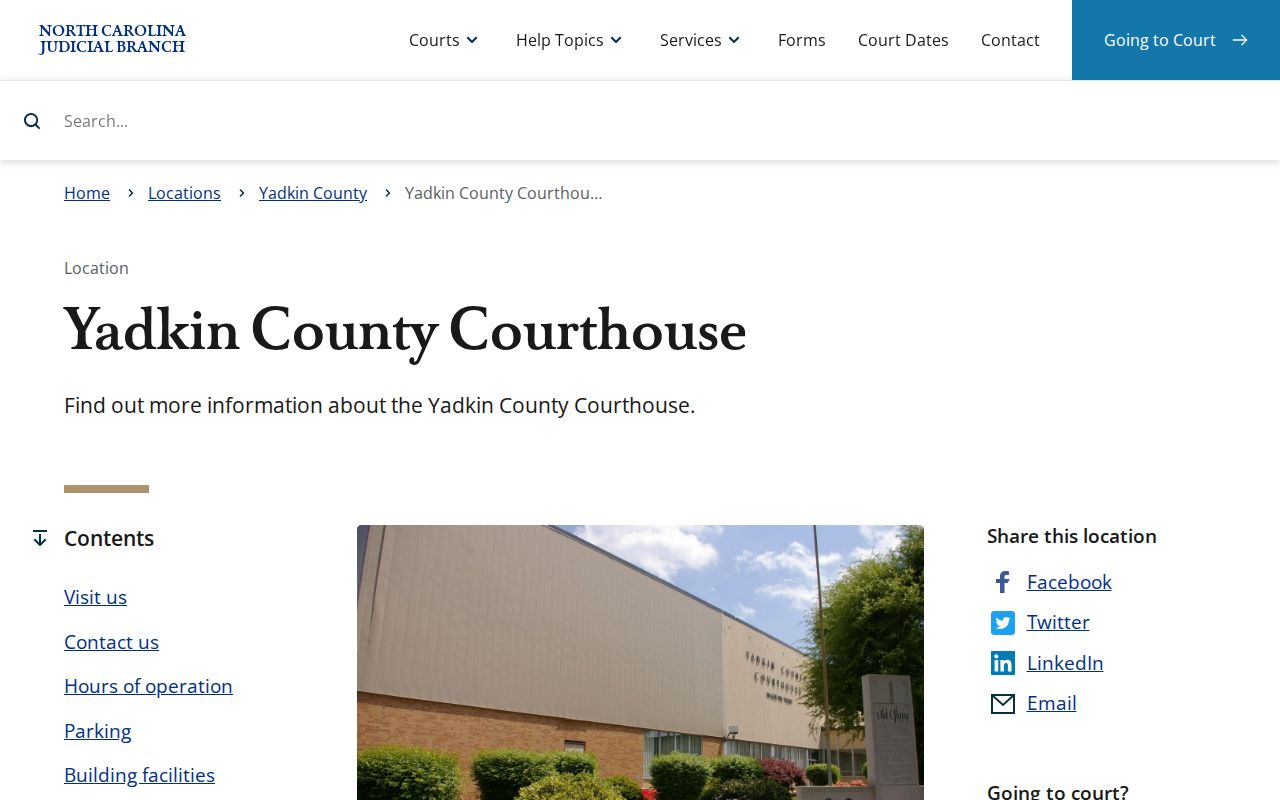
One Yadkinville courthouse, rather than separate town courthouses, handles the local state-court record functions.
Track 9 Brought eCourts to Yadkin County
Yadkin County went live with North Carolina eCourts on July 21, 2025. That was the Track 9 rollout. The Judicial Branch billed the change as bringing Portal access to court records and case events, plus eFiling, to the counties in that wave. All 100 North Carolina counties had converted by October 13, 2025, per the statewide eCourts page. So a Yadkin case lookup runs on the statewide Enterprise Justice system rather than a county pilot that might vanish.
Watch for two quirks when reading older material. Some local rules still posted for Yadkin carry a District 23 title. But that label is history, not a current assignment; county materials now identify District 34. Converted case events can also show a midnight timestamp artifact, which the Portal FAQ describes. So a historical entry deserves a careful read. The Judicial Branch's Track 9 announcement documents the Yadkin County transition to electronic court access.
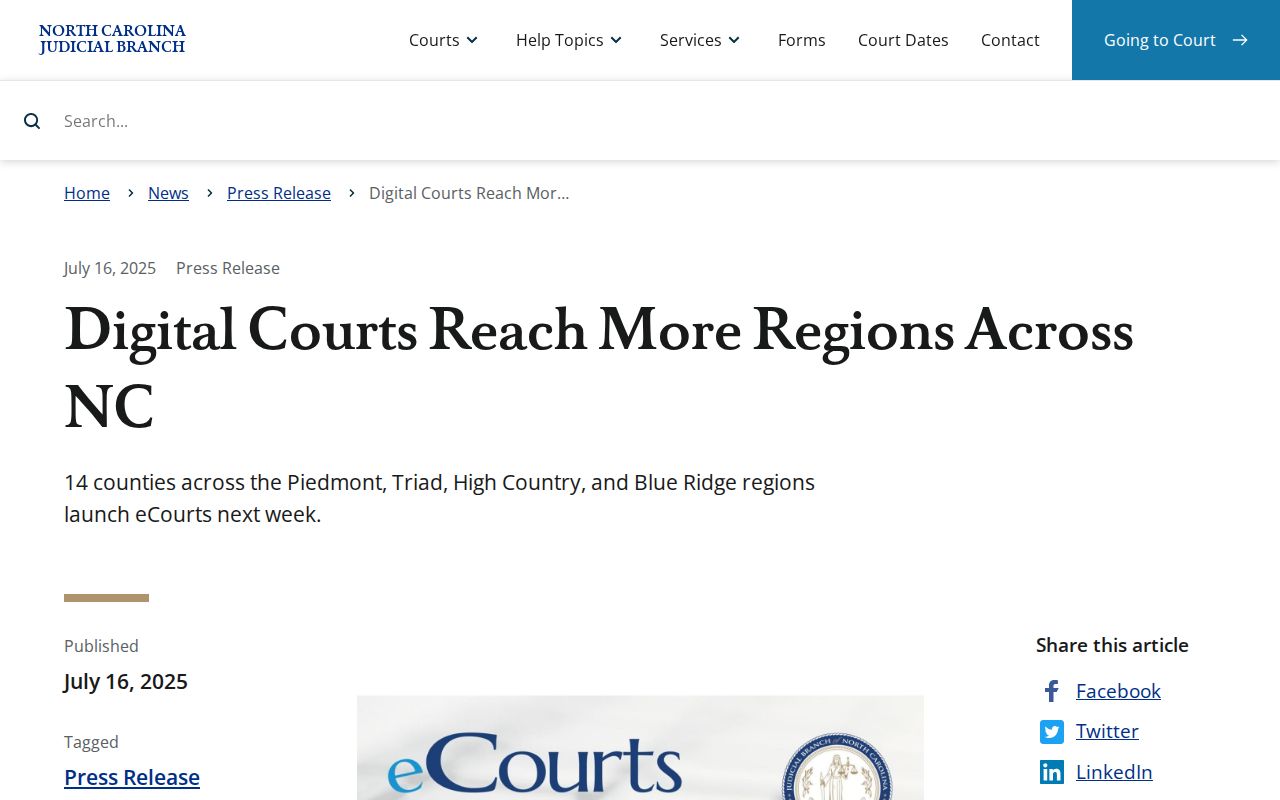
That rollout is why a Yadkin County docket search now pairs Portal results with Clerk confirmation.
Court Dockets by City in Yadkin County
Four incorporated towns, not five. The 2020 Census ranks Yadkinville, Jonesville, Boonville, and East Bend by population. None of them runs its own municipal court docket. A town police department can issue a citation or keep a police record. The court case itself still travels the state path that fits the matter, whether that means District Court, Superior Court, a magistrate, eCourts, or the Clerk. Each city page walks that local route without inventing a town-court portal.
Yadkinville Court Docket
2020 Census population 2,995 · City-related state court cases use eCourts and the Yadkin Clerk.
Jonesville Court Docket
2020 Census population 2,308 · Town police contact routes do not replace the state court record path.
Boonville Court Docket
2020 Census population 1,185 · Traffic and misdemeanor matters are Yadkin District Court records.
East Bend Court Docket
2020 Census population 634 · Search the statewide Case Summary and use the Clerk for court copies.
The official Census county context shows all four incorporated towns served by one county court-access system.
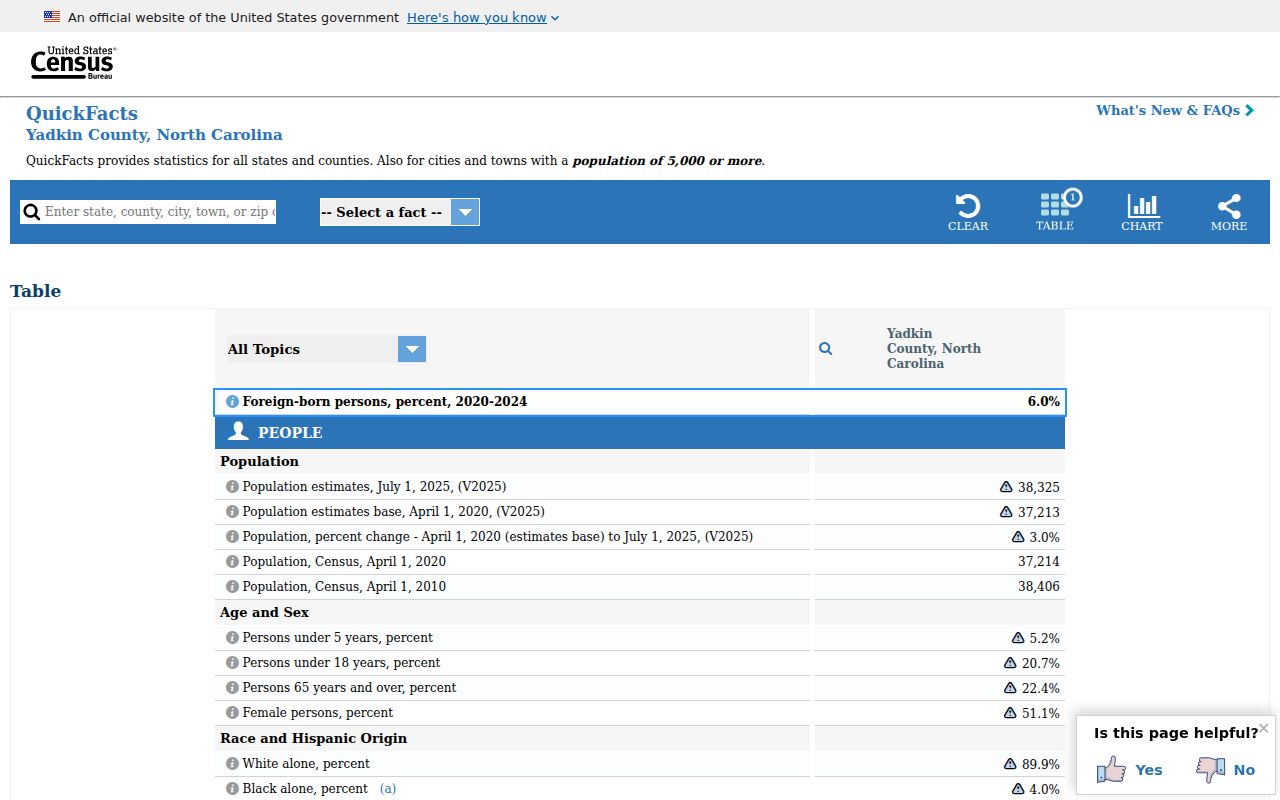
With only four towns and no town courts, courthouse and Clerk functions stay concentrated in Yadkinville.
Yadkin County Towns Have No Separate Court Portals
People often assume a citation from Yadkinville, Jonesville, Boonville, or East Bend police lands in a town court database. In Yadkin County, it does not. The four towns have no separate municipal court, no town docket portal, no city calendar, and no city court payment portal. Remember that the agency issuing a ticket and the office holding the court record do different jobs.
For a state court matter, start with eCourts. A traffic or misdemeanor case usually routes to District Court. A felony moves through Superior Court. Small claims and preliminary matters have their own magistrate and District Court roles. If a court record stays out of public view, contact the Yadkin Clerk. A police report, town hall, or a local nonemergency number cannot certify a judicial docket.
Map and Directions to the Yadkin County Courthouse
Superior Court, District Court, magistrate, Clerk, and calendar files are all kept at the one Yadkin County Courthouse, 101 South State Street in downtown Yadkinville. The building is a two-floor structure built in 1958, with most jury trials held in Courtroom 1 on the second floor. Mail for the Clerk goes instead to the P.O. Box 95 mailing address, not the street address.
Yadkin County Courthouse
101 South State Street
Yadkinville, NC 27055
336-679-3600
Monday through Friday, 8:00 a.m. to 5:00 p.m.
The courthouse page lists a county-owned parking lot, handicap parking and a ramp, an elevator to the second floor, wheelchair accessibility, and adapted restrooms and drinking fountains. A 2025 county facilities document describes a planned secure-entry project on the building's south side near Jackson Street, so visitor flow and parking could shift during that work; calling the Clerk at 336-679-3600 before a trip is the safest way to confirm current access.