
How to Search Civil Dockets
Begin with the North Carolina eCourts Portal, the public entry point for Yadkin civil records. Its Smart Search accepts a case number, a party name, or a business name. A case number is the sharpest tool when you have one. Without it, narrow a name search with the portal's filters. The filters cover case type, location, status, and filing date range.
Don't stop at a result line. Open the matching Yadkin Case Summary. Read the events in order after the case and party information. Search Hearings and the Yadkin civil calendar confirm settings. Treat the online display as a public reference view. It does not promise that a complaint, answer, motion, order, or other filed document image will be there.
- Use Smart Search with a Yadkin location filter where it is available.
- Search by case number, party, or business name using the documented portal rules.
- Select Civil Actions, Estates, or nonconfidential Special Proceedings if that category fits the matter.
- Open the Case Summary and compare current hearings with the event history.
- Ask the Yadkin Clerk for a filed document, plain copy, or certified copy.
Yadkin Civil Actions in Smart Search
Smart Search labels its advanced categories as Civil Actions, Special Proceedings, and Estates. Special Proceedings here means only the nonconfidential ones. Those names help, but they are guides rather than guarantees that every related matter is public. Knowing your category trims a broad Yadkin search fast. From there, the Case Summary shows exactly which details the public view allows.
| Portal category | Yadkin search use | Record boundary |
|---|---|---|
| Civil Actions | General civil-case filtering | Case access remains subject to restrictions. |
| Special Proceedings | Use only for a nonconfidential proceeding | Do not infer access from an omitted result. |
| Estates | Estate-case filtering | Review the permitted Case Summary details. |
What a Civil Docket Shows
A Yadkin civil Case Summary can include case information, assignment information, party information, causes of action where applicable, case events, hearings, dispositions, and financial information when applicable. Those blocks put a filed action and a hearing in context. What they do not promise is a complaint, answer, motion, order, judgment image, related-case field, lien, or writ.
| Case and assignment information | Core case details and available assignment data. |
|---|---|
| Party information | Publicly available party information, subject to access rules. |
| Causes of action | A claim category for civil, family, probate, or mental-health cases where applicable. |
| Case events | Chronological activity, not necessarily a final judgment. |
| Hearings and dispositions | Settings and outcome information when entered. |
| Financial information | Shown only when applicable and not a guaranteed field set. |
Yadkin Civil Docket Categories
Three terms tend to split a Yadkin civil search. A civil action is one lawsuit category. A special proceeding is a statutory court matter. The portal counts only nonconfidential proceedings as an advanced-search category. An estate record deals with the court process for an estate. Where applicable, a cause of action may appear in the Case Summary. That summary covers civil, family, probate, or mental-health matters.
- Case Event
- A dated item in the Case Summary history.
- Hearing
- A scheduled court event when the system displays one.
- Disposition
- An entered outcome, distinct from a future hearing.
- Judgment Search
- An index route that can lead back to the fuller Smart Search context.
Types of Civil Cases on the Docket
Court division for a Yadkin civil case turns first on the amount. The type of action also matters. Superior Court holds civil jurisdiction above $25,000. District Court civil jurisdiction runs through $25,000. Magistrates handle small claims within the District Court structure. The official county material does not state the current Yadkin small-claims ceiling. Confirm that figure with the Clerk.
The Superior Court explanation is the source for the material that follows. It backs the Superior Court side of the Yadkin civil jurisdiction line. It does not act as a separate online civil docket.
The Yadkin Clerk keeps trial-court records for both civil divisions. That means one portal and one Clerk route serve the whole court-level split.
Yadkin Civil Courts at $25,000
Treat the $25,000 line as a jurisdiction rule, not a portal filter. It signals whether a Yadkin civil matter sits in Superior or District Court and which calendar category may matter. It never replaces checking the actual caption, case type, and current Case Summary.
| Yadkin forum | Core civil role | Local record channel |
|---|---|---|
| Superior Court | Civil actions above $25,000 | eCourts Case Summary and Clerk file |
| District Court | Civil actions through $25,000 | eCourts Case Summary and same Clerk |
| Magistrate | Small claims | Confirm current local limit with the Clerk |
The North Carolina lawsuits overview is the source for the jurisdiction material here. Its court-level explanation adds useful context to a Yadkin civil docket search.
Yadkin case access stays unified through the Clerk even when the court division differs.
Settings and Hearings on Civil Dockets
Confirm any Yadkin civil hearing through the Case Summary and Search Hearings. Then check the official civil calendar when that helps. The calendar service splits Yadkin material into District Civil and Superior Civil. Published scheduling lines are 336-651-4412 for District Court and 336-651-4416 for Superior Court.
A hearing entry shows a scheduled event when one exists. An event history might list a filing, a request, an order, or a prior setting. None of those alone proves a trial is still set. When a current date matters, call the Yadkin office or Clerk at 336-679-3600.
Yadkin Civil Calendar Call Times
The posted Yadkin Superior civil case-management plan is a historic District 23 document. Yadkin now sits in Judicial District 34. The plan still teaches one narrow lesson. A trial calendar does not promise the exact order or time a case will be called. The historic plan describes a Monday calendar-call pattern with later weekday settings. Any current setting still needs confirmation.
That distinction keeps a calendar listing from becoming a travel guarantee. For real answers, climb the ladder. Use the current Case Summary, Search Hearings, the civil calendar, and the published scheduling line.
Yadkin Request to Calendar Fields
Behind much of Yadkin County Superior Court scheduling sits a simple local form. The Request to Calendar form gathers the basics a coordinator needs. Those include the file number, the parties, the week being requested, and a rough estimate of hearing time. It also flags whether a jury is involved. Beyond that, it lists pending motions and notes court-reporter needs plus service and conference details.
Don't look for an online submission route here. The form sets up no Case Summary event label of its own.
For a Yadkin County civil case, the old plan routes written calendar requests through the Clerk. The coordinator handles the other half. Fill out the form and follow current local instruction. Then confirm with the Clerk how the filing should reach the court. The published scheduling route is the other place to check.
Yadkin Civil Settlement Reporting
A settlement does not wrap itself up in the Yadkin County civil docket automatically. Reporting it can move a trial or hearing date. Past docket events do not become final judgments on their own, though. The official Report of Case Settlement form covers several endings. Those include a consent order or judgment, a voluntary dismissal, or a dismissal of a counterclaim or crossclaim. Some other stated completion route counts too. It carries the case number, the parties, and the date already on the court calendar.
What the form won't tell you is portal mechanics. It promises no automatic update. It also reveals no Yadkin-specific e-filing method, fee, or processing deadline. For the documented court action, read the Case Summary and the Clerk record.
Yadkin Civil Events and Judgments
A Yadkin County Case Event can log a request, a filing, a hearing, or an order. None of that makes it a judgment. NC Judgment Search works as the portal's index-style tool for searching by party or case number. Judgment filters are available there too. For the fuller Case Summary context, Smart Search is the better route.
Read the events in order first. Then hunt for a disposition or a Clerk record before calling a case closed.
One more distinction matters. A filed paper is not the same thing as the online register. You may need the complaint, the answer, a motion, an order, or a certified judgment. If so, contact the Yadkin County Clerk. Don't assume the web view holds a downloadable copy.
Yadkin Small Claims and Magistrates
Small claims in Yadkin County run through the magistrates inside the District Court framework. North Carolina's statewide guidance puts the limit somewhere between $5,000 and $10,000. Yadkin's exact current figure isn't published the same way. Ask the Clerk instead of applying a state maximum to a local case.
For statewide context, the North Carolina small-claims overview explains the variable limit and how magistrate matters work. That frames any Yadkin small-claims filing.
Magistrate matters need no separate Yadkin County civil docket portal. Start with eCourts, then bring file questions straight to the Clerk.
Public Access to Civil Dockets
For an ordinary public Yadkin County civil matter, several doors are open. Smart Search, NC Judgment Search where relevant, and Search Hearings all carry pieces of the record. So do the civil calendar, the courthouse public terminal, and the Clerk. The Clerk maintains the court records, files, dockets, and indexes. Inspection is available during regular hours unless a law or court order says otherwise. One caution: the Judicial Branch administrative public-record form is not the channel for requesting an individual court document. Use a different route for that.
Records route. N.C.G.S. § 7A-109 identifies Clerk-maintained court records and inspection. N.C.G.S. § 132-6.2 does not require an agency to create a new compilation. Ask for the existing Yadkin case record from the Clerk.
Yadkin Civil Clerk Record Fallback
When a Yadkin County civil result comes back thin, go to the Clerk. That office handles public-file inspection, plain copies, certification, and access questions day to day. The courthouse sits at 101 South State Street in Yadkinville. Mail goes to P.O. Box 95, Yadkinville, NC 27055. Public hours run 8:00 a.m. to 5:00 p.m. Monday through Friday. The general Clerk line is 336-679-3600.
For a wider angle, the Judicial Branch Civil Overall Caseload Activity report tracks caseload activity across the state's courts. It supports verified data work. It sets no count for an individual Yadkin County civil file, though.
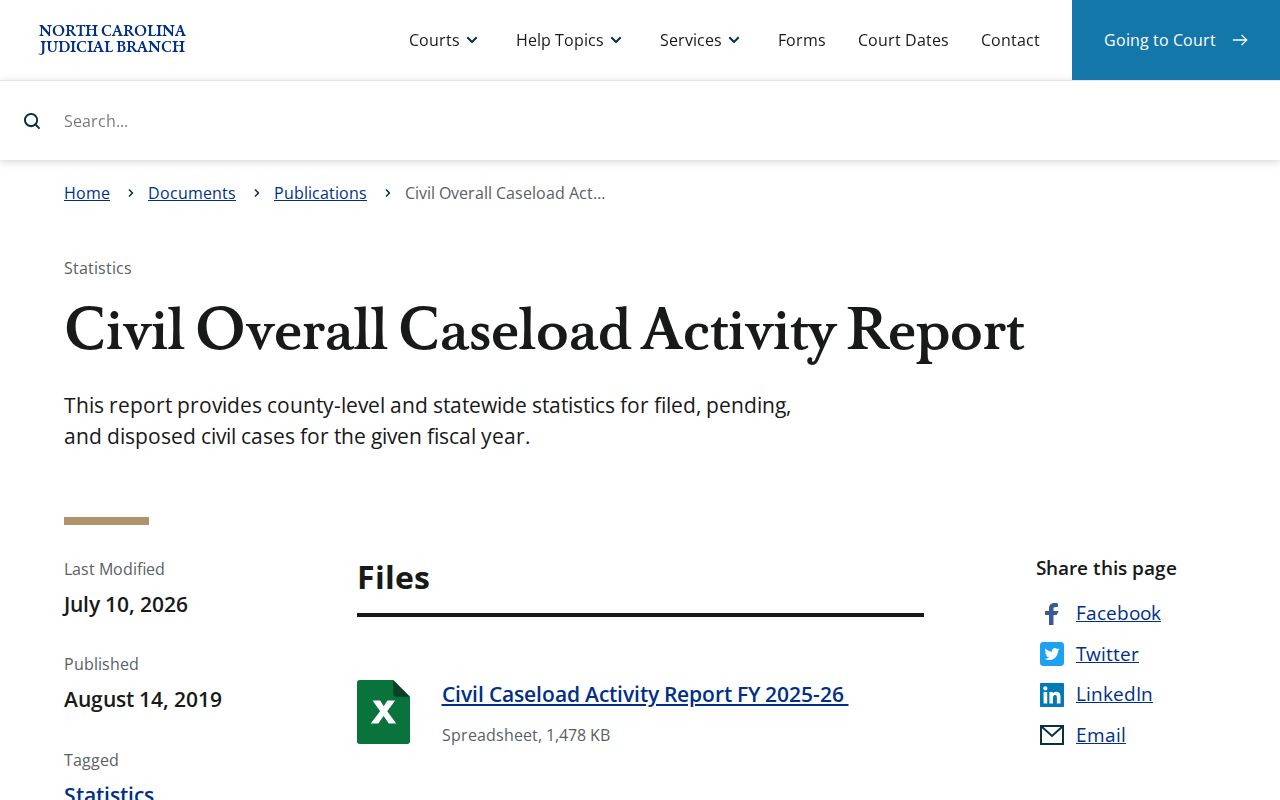
For a copy or certification from a Yadkin County case, the Clerk holds the record. The statewide report does not.