
Searching Cases by Name
No case number handy? Open Smart Search in the North Carolina eCourts Portal. Search by party name there. Treat any name match as a lead. Common surnames, aliases, name changes, and privacy controls can all skew what comes back. Filters for location, case type, status, and filing date are worth applying when a broad name floods you with Yadkin results. The Portal labels its public Case Summary the Register of Actions. Handy as it is, it never replaces a Clerk-certified record. Ask the Clerk for that certified copy of a Yadkin County court docket.
- Open the eCourts Portal and choose Smart Search.
- Enter the party name, business name, nickname, or a known case number.
- Use documented General Location, Case Type, Case Status, or Filing Date Range filters if they help distinguish results.
- Open the matching Case Summary and read Case Information, Assignment Information, Party Information, events, hearings, and dispositions in context.
- Use the Clerk terminal or contact route if the search cannot answer an access, copy, or restriction question.
The Judicial Branch Portal training and resources explain Smart Search and Case Summary features. 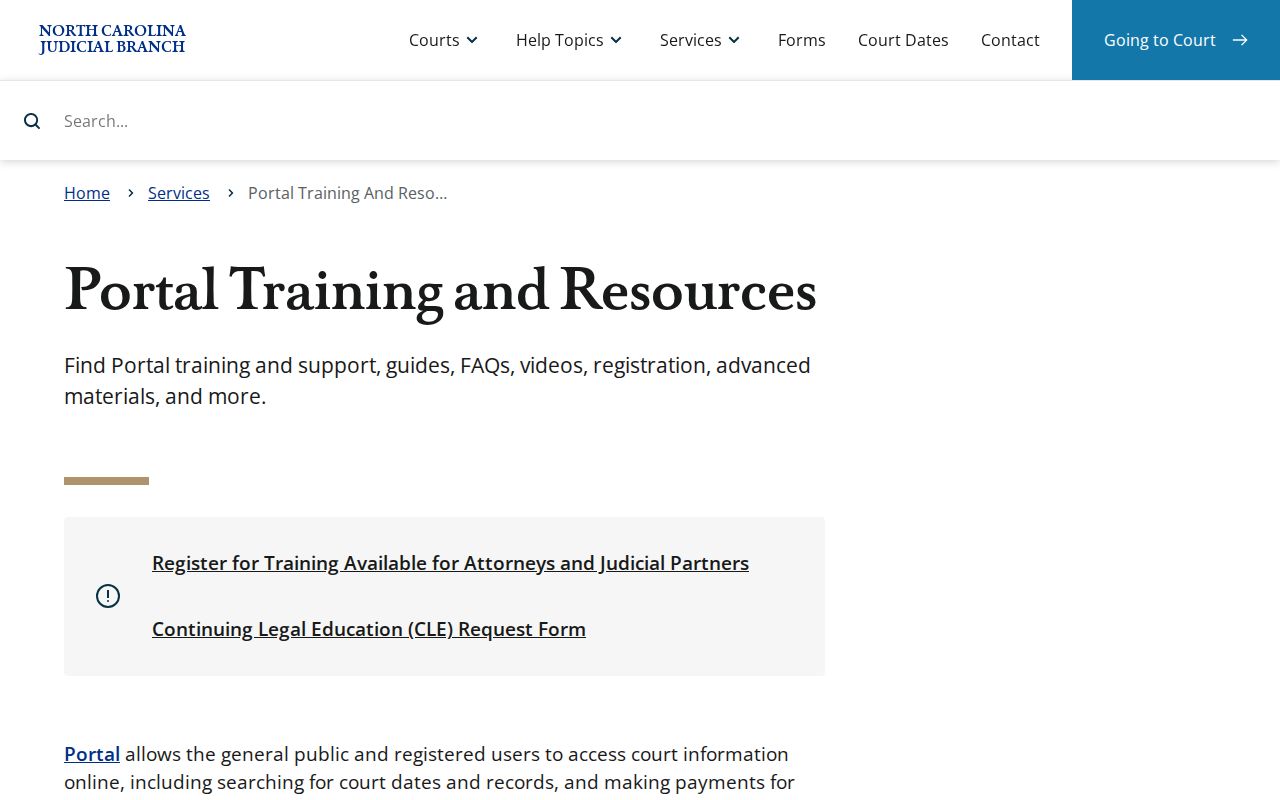 The official material supports searching the state system rather than an invented Yadkin-only search vendor.
Yadkin County Case Search Wildcards
The Portal sets firm wildcard rules. A last-name search needs at least three characters before the asterisk. A first-name wildcard needs just one. For business names, nicknames, and aliases, you must type at least four characters. Put the asterisk only after the required minimum. A broad name pulls up too many candidates sometimes. Tighten it with the filters the Portal offers. Date of birth also works as a way to narrow a party search in Yadkin County. The official material publishes no fixed display format for that field, though.
| Field | Type | Required | Documented format or filter |
|---|---|---|---|
| Last Name | Text | Unspecified | Wildcard requires at least 3 characters plus *. |
| First Name | Text | Unspecified | Wildcard requires at least 1 character plus *. |
| Business or nickname | Text | Unspecified | Wildcard requires at least 4 characters plus *. |
| Location, type, status, filing date | Filter | Optional or unspecified | Officially documented filters; the full live option lists are not published. |
Searching by Case Number
Got the case number already? That is the Portal's recommended way in. North Carolina eCourts numbers follow one pattern. Two digits give the year. Letters mark the case type, a six-digit sequence follows, then a hyphen and a three-digit county code. Yadkin County's code is 980. The sample 25CR000123-980 shows the shape only; it does not point to a real case. Paste the full number into Smart Search. Then open the Case Summary to confirm the parties, the assignment, and the events.
The case-type letters signal a system category. But no authoritative Yadkin list of every letter combination or event abbreviation is published. So never guess at a code from a search result alone. The case details and the Clerk of Superior Court are the better places to confirm what a code means.
Yadkin County Case Search Code 980
That -980 ending marks the Yadkin slice of the documented eCourts pattern. Read the number from the front. The first two digits give the year. The letters give the case type. Six digits form the sequence. Yadkin joined eCourts in the Track 9 rollout on July 21, 2025. That made the format a daily tool for local court docket searches. Treat it as a search clue, though. It cannot predict a real case number. It will not tell you the court division from the number alone.
One statewide portal covers both trial courts here. Superior Court holds felonies and civil claims above $25,000. District Court handles misdemeanors, infractions, traffic, family, juvenile, and lower-value civil cases. A single Clerk of Superior Court keeps the court records across those divisions.
What a Case Search Returns
A public Case Summary can display several blocks. Those include Case Information, Assignment Information, Party Information, Case Events, Hearings, Dispositions, and financial information when it applies. Causes of Action may also appear on civil, family, probate, and mental-health matters. That inventory lists the blocks the system can show. It is not a promise that every Yadkin County case will include each one. Read the chronological events next to the case-level details. Keep in mind that a listed event is not always an upcoming hearing. A disposition is an outcome rather than a future setting.
| Case Information | Basic identifying information for the action. |
|---|---|
| Assignment Information | Assignment or court information made available by the system. |
| Party Information | Named party roles and names subject to public-access limits. |
| Case Events | Chronological recorded activity. Historic conversion times require care. |
| Hearings and Dispositions | Scheduled-event information and recorded outcomes where available. |
| Financial information | Case-related financial information when the case and access level support it. |
Yadkin County Case Search Results
Each Yadkin County search route answers a different question. Smart Search opens the fullest Case Summary. That makes it your best first stop for most lookups. Search Hearings suits a date-centered question instead. NC Judgment Search works like an index. You can query it by party or case number. Then narrow things with case type, status, location, and judgment-date filters.
A judgment index hit carries useful pieces of the file. Expect the case number, the disposition status, an index date and time, the parties, and any judgment comments. Just remember it is an index, not the whole record. For the broader picture of a Yadkin County court docket entry, go back to Smart Search. Pull the full Case Summary rather than stopping at the index.
The eCourts Portal opening interface is the statewide entry to Smart Search, Search Hearings, and NC Judgment Search. 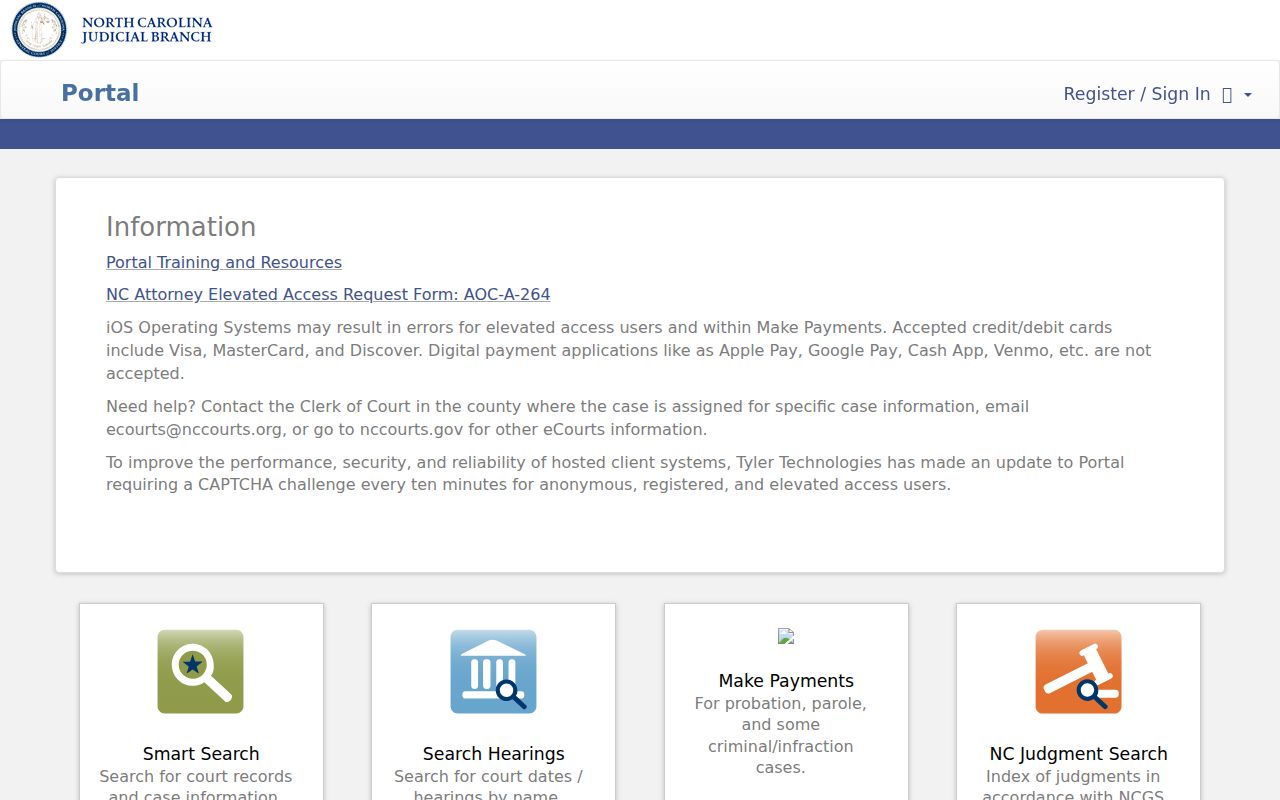 The one entry point supports different search purposes, but the resulting online view remains distinct from a certified copy.
Yadkin County Case Search Hearings
Need an upcoming court date? Skip the full case file and use Search Hearings instead. The official criteria let you look up a matter by case number, party, business, attorney name, attorney bar number, judicial officer, or courtroom. That makes it easy. You can tie a known Yadkin County case number to its scheduled hearing.
Some limits matter here. The result cannot tell you whether a hearing will be remote or in person. The Portal FAQ warns that the court may call matters in a different order than the calendar shows. If the setting of an appearance matters to you, confirm with the court or the Clerk before you rely on the listing.
This tool complements the official Yadkin civil and criminal calendar routes. It replaces neither one. Do not read a courtroom, format, or sequence into the case data. The data shows none of that.
Statewide vs County Case Search
Two roads lead into a Yadkin County court docket. One runs through the state. The other runs through the county. Pick based on what you actually need from the case file.
The North Carolina eCourts Portal is the statewide online route for Yadkin County cases. It is handy for pulling a public Case Summary from home. The county route is the Yadkin Clerk of Court, with its public terminal, the paper file, and the copy counter. That split matters. Online access is fine for a quick look. But the Clerk of Superior Court controls inspection, document copies, and certification of the local trial-court record.
| Channel | What it can do | Boundary |
|---|---|---|
| Smart Search | Search public case information and open Case Summary details. | It is not a certified Clerk record. |
| Search Hearings | Find scheduled events through case and hearing criteria. | It does not give remote/in-person format. |
| NC Judgment Search | Search the judgment index by party or case and documented filters. | Use Smart Search for fuller case context. |
| Yadkin Clerk and terminal | Inspect public access information and request copies or certification. | Restrictions and fees can apply. |
The North Carolina court-types page provides the statewide hierarchy behind the Yadkin trial-court search. 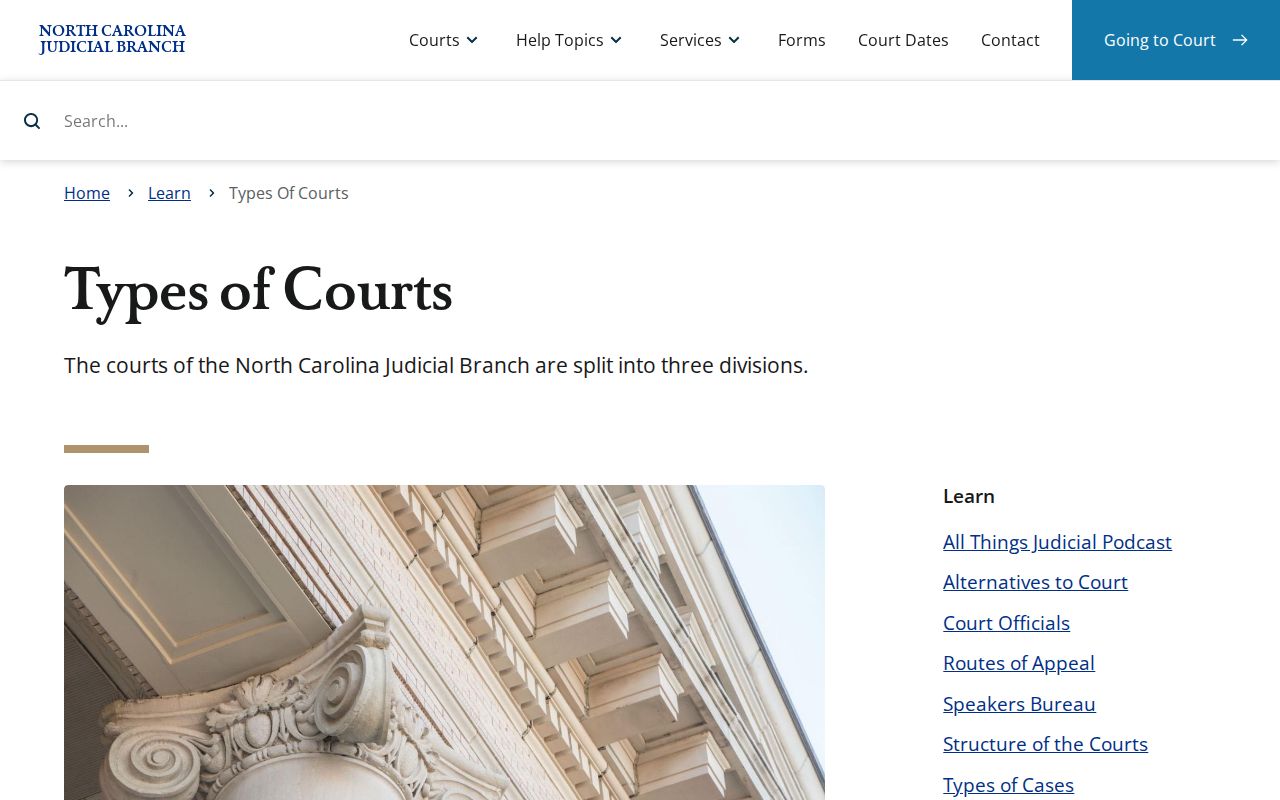 A Yadkin Case Summary is a trial-court record, not an appellate docket.
Yadkin County Case Search and Filing
Searching a docket and filing into it are different jobs. For Yadkin County, both now run on the state's eCourts platform, Enterprise Justice, also called Odyssey. The public Portal handles case lookup and hearing lookup. Filing goes through File & Serve, the state's e-filing system.
Keep the boundary in mind. A Portal result does not mean a person may file through public search, and it does not promise that every filed document image shows up in an ordinary public result.
The official North Carolina File & Serve landing page shows the separate filing service. 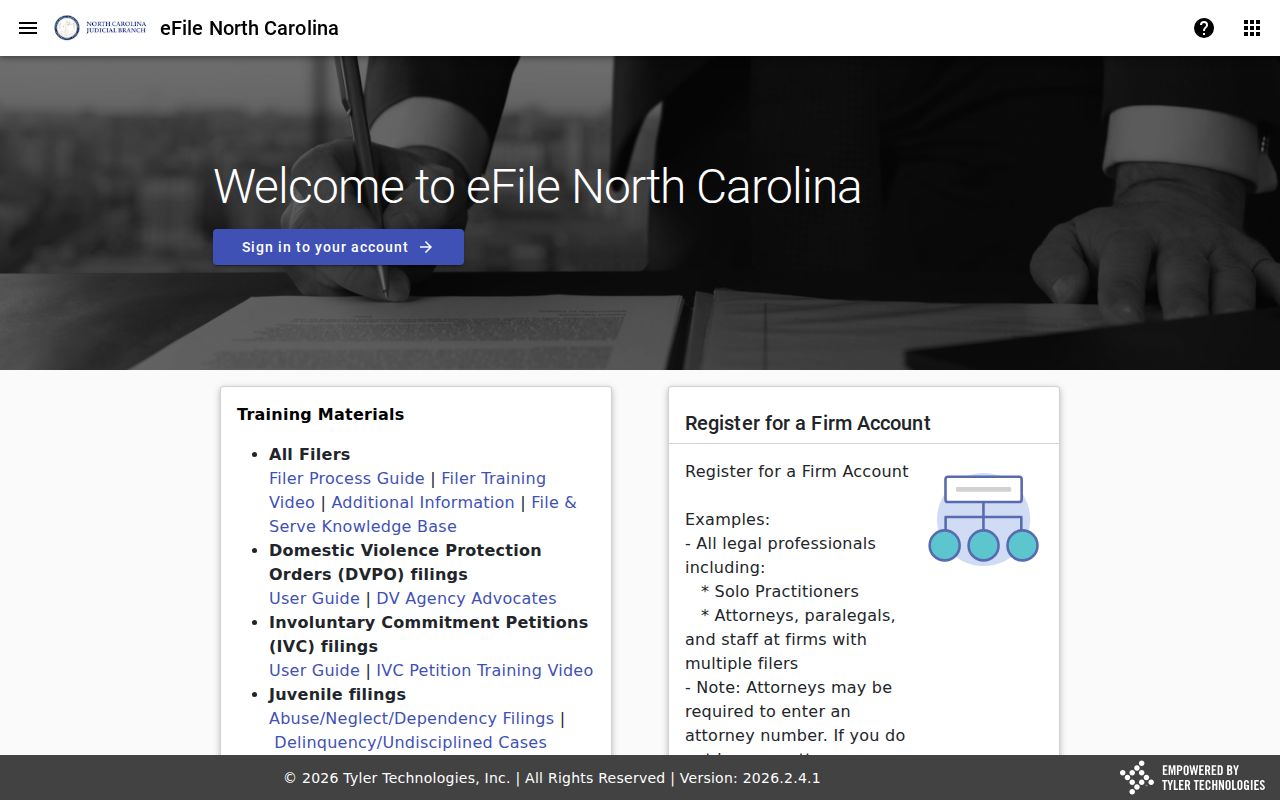 Its separate entry point reinforces the difference between an online Case Summary and a filed court document.
Access and Restricted Cases
You can search the Portal without paying or registering. Signing up lets a public user save My Cases. Yet it grants no new access to restricted court records. Public search results leave out victims. North Carolina General Statutes section 7B-3000 keeps juvenile records confidential. Sealed or restricted information may be off limits by law or court order. A missing result can also come from a name mismatch, an index limitation, or a case that needs Clerk review. Treat an empty result as just that. It is not proof of why a record is unavailable.
Protective-order case information from domestic violence matters stays out of ordinary web search, per the Portal FAQ. The stated fallback is a public terminal at a Clerk office. Confirm such a case exists there. Then call the Clerk. Registering does not get around that limit.
Yadkin County Case Search Terminal
The Yadkin County Courthouse sits at 101 South State Street, Yadkinville, North Carolina 27055. Clerk mail goes to P.O. Box 95. Public hours run 8:00 a.m. to 5:00 p.m., Monday through Friday. Statewide guidance points to public self-service terminals in Clerk offices. Those terminals cover criminal, civil, special-proceeding, and estate searches. Yadkin's official page gives no terminal count, floor, or separate schedule. So call 336-679-3600 before visiting to confirm a terminal, a file pull, or a restriction question.
A terminal is the best fallback. It reaches public case information that ordinary web search does not fully reach. It is not a promise of unrestricted access, a document image, or a certified copy. Once you identify a case there, the Clerk can explain the next step. Ask about the record or copy route.
Yadkin County Case Search History
Yadkin County entered the digital era with Track 9 on July 21, 2025. Before that date, events lived in older systems. The Portal FAQ says pre-go-live events were converted into Odyssey. But the original historical time was not always kept. So an entry can display 12:00 a.m. That timestamp is a conversion artifact. It is not proof of a midnight hearing or filing. Check the event's description and date against the current case details. Ask the Clerk for record context when timing matters.
The statewide rollout finished after Yadkin's Track 9 launch. That leaves the county inside the unified Enterprise Justice system. That history explains why one Portal can search Yadkin Superior and District Court dockets while the Clerk remains the source for certified or inspected records.
Yadkin County Case Search Limits
A state Case Summary never reaches federal dockets. It skips federal civil, criminal, and bankruptcy cases entirely. Yadkin County sits in the Middle District of North Carolina. There, federal docket access runs through PACER and CM/ECF, not the North Carolina eCourts Portal. That regional federal court sits in Winston-Salem, not at the Yadkin courthouse. It is a jurisdiction line. It is not a second way to find an ordinary Yadkin state case.
The Middle District's Winston-Salem location page identifies the regional federal court location. 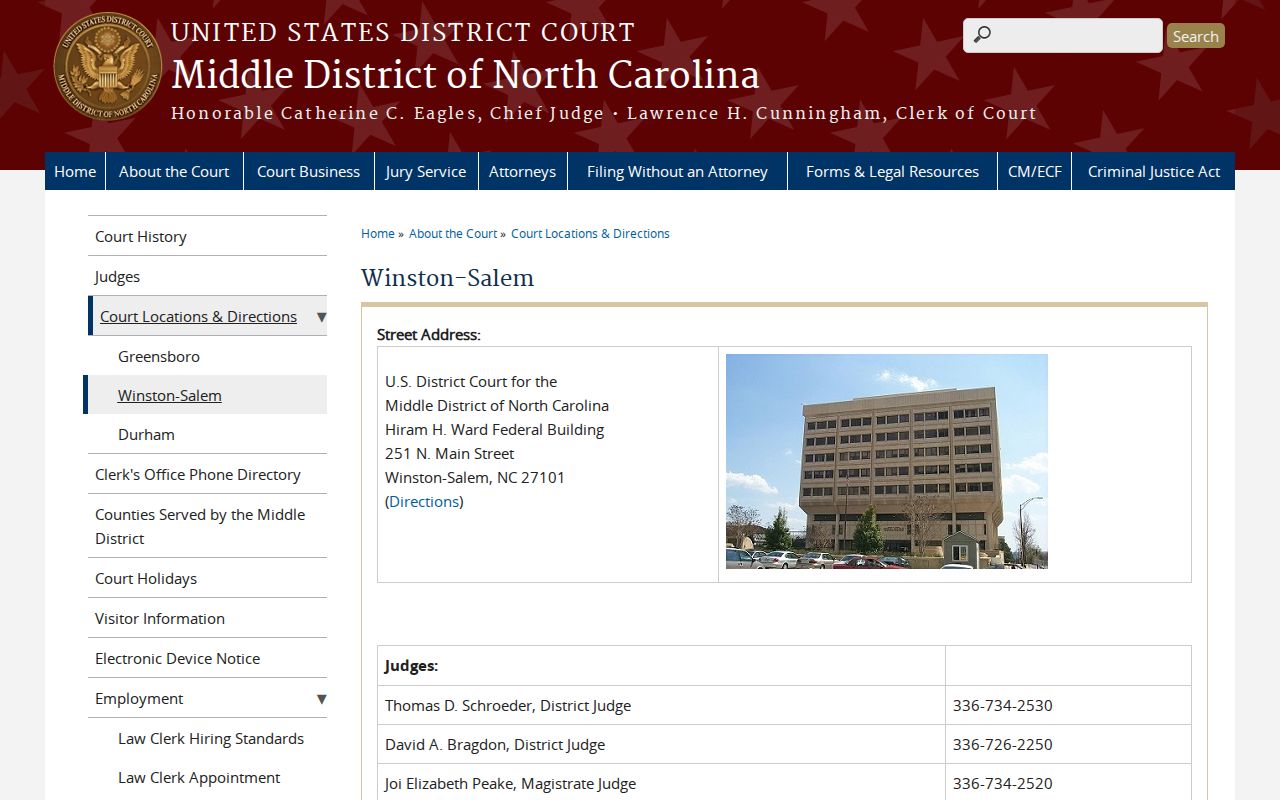 A searcher should use the state Portal for Yadkin trial-court cases and the federal system only for federal matters.